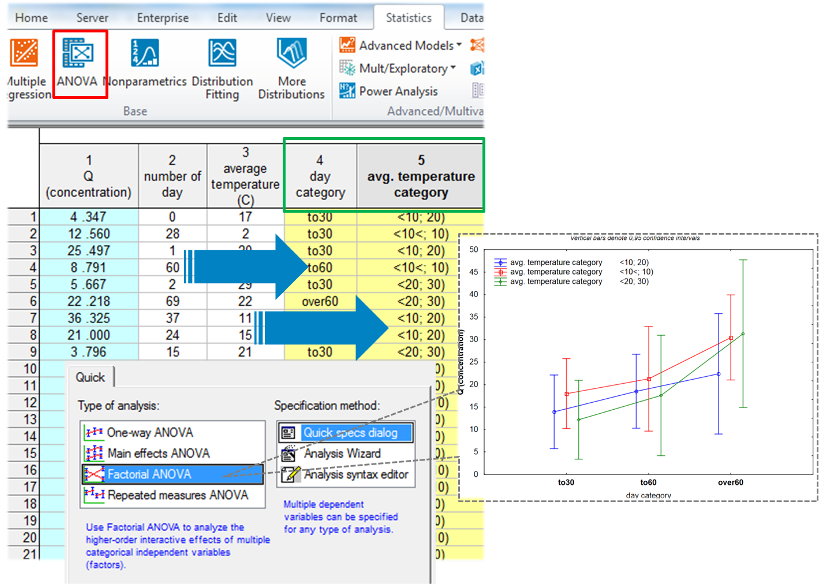
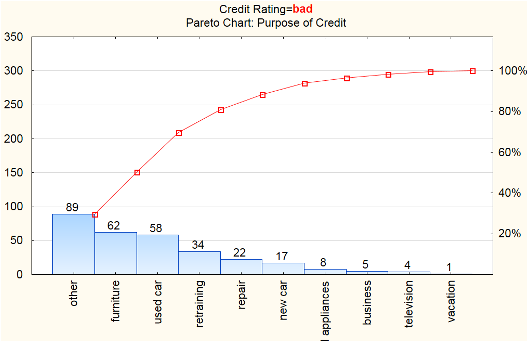
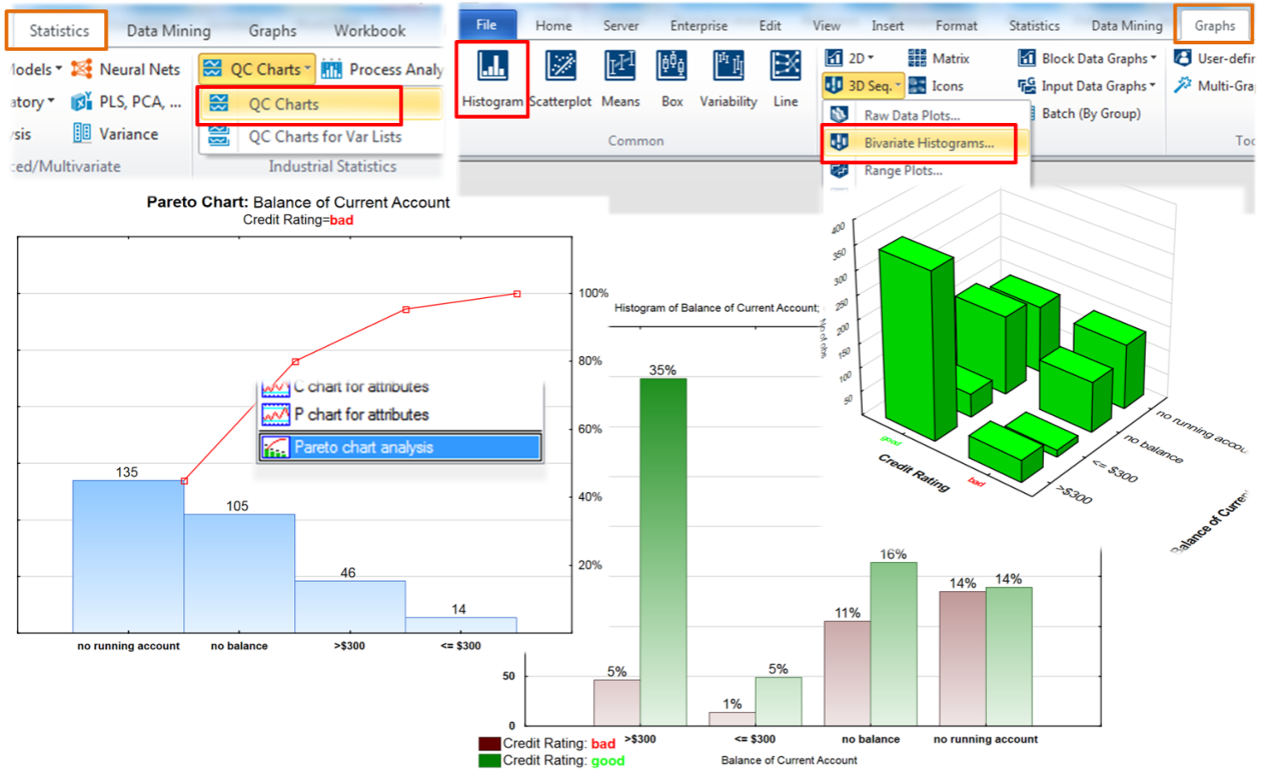
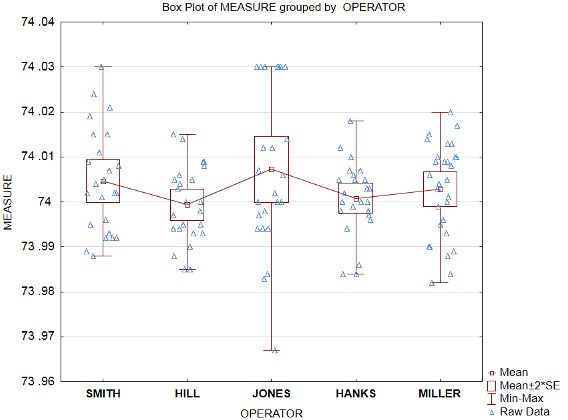
- ANOVA/MANOVA
- Calculators; Distributions, Pearson Product Moment Correlation Coefficient, Six Sigma
- Canonical Analysis
- Classification Trees
- Cluster Analysis
- Correlation
- Correspondence Analysis
- Cox Proportional Hazards Models
- Descriptive Statistics
- Design of Experiments (DOE)
- Discriminant Function Analysis
- Distribution Fitting
- Distributions & Simulation
- Dynamic Time Warping
- Factor Analysis
- Fixed Nonlinear Regression
- General Discriminant Analysis (GDA)
- General Linear Models (GLM)
- General Partial Least Squares Models (PLS)
- General Regression Models (GRM)
- Generalized Linear/Nonlinear Models (GLZ)
- Log-Linear Analysis of Frequency Tables
- Multiple Regression
- Multidimensional Scaling (MDS)
- Nonlinear Estimation
- Nonparametric Statistics
- Power Analysis and Interval Estimation
- Multivariate Statistical Process Control (MSPC – PCA/PLS)
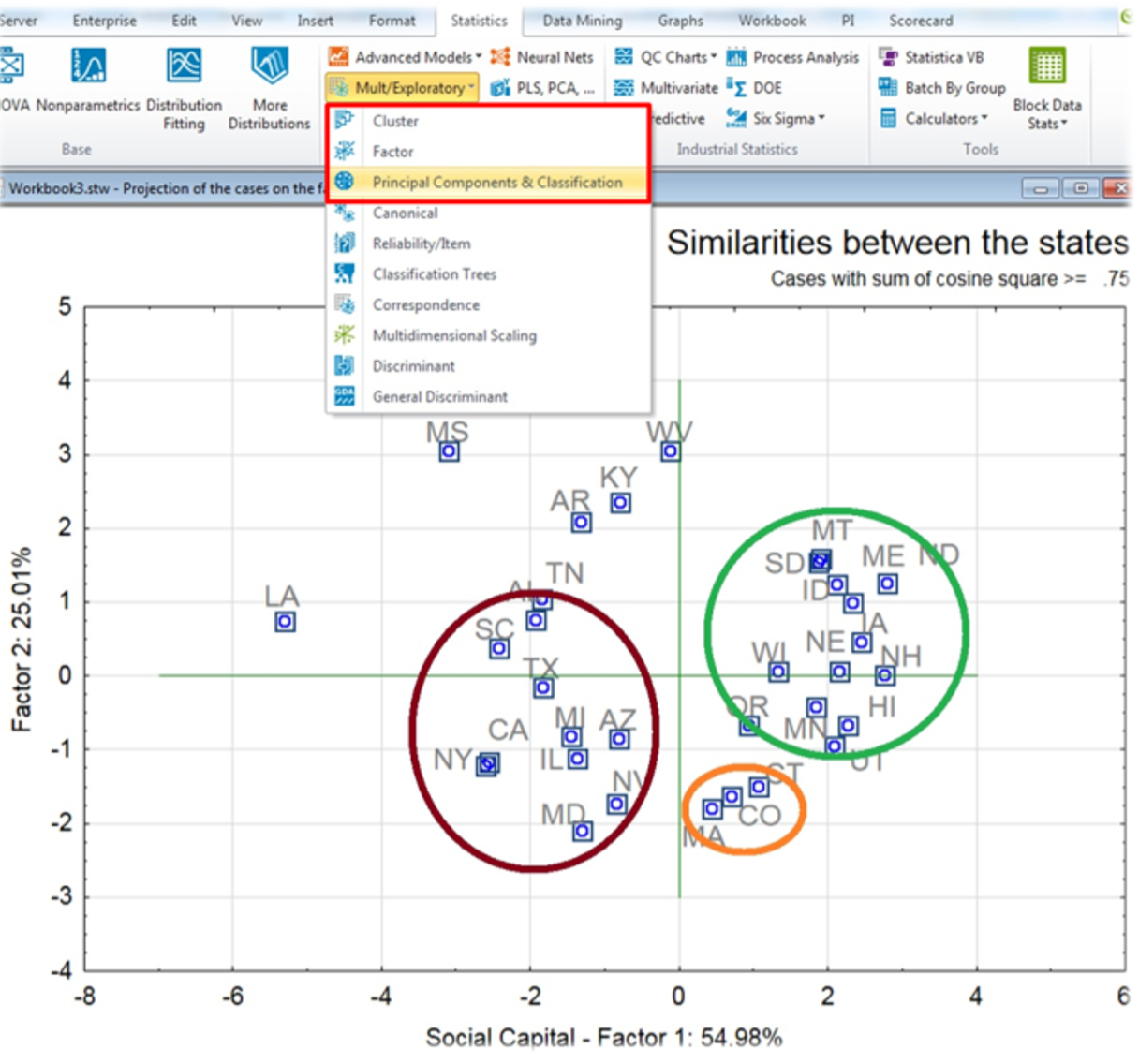
- Principal Components & Classification Analysis (PCCA)
- Process Analysis
- Quality Control Charts
- Reliability and Item Analysis
- Stepwise Model Builder (what-if)
- Structural Equation Modeling and Path Analysis (SEPATH)
- Survival & Failure Time Analysis
- Time series / forecasting
- t-tests and other tests of group differences
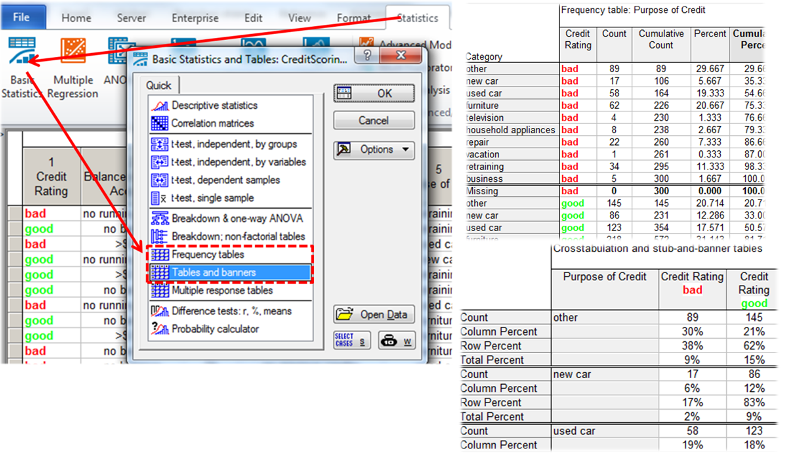
- Tabulate
- Variance Components & Mixed Model ANOVA/ANCOVA
Editions build on each other — each includes everything from the previous one
The essential package for data analysts and technology and research professionals to quickly analyze data.
Desktop is the basic version of Statistica for fast data processing and evaluation using common statistical methods.
This version will be used primarily by data analysts, technologists and researchers to analyze datasets on their computer.
The application is available in desktop form (license for one specific user – Named User).
Who it is for
Individuals and small teams
Key features
- All core statistical modules
- Publication-quality charts
- English & Czech localization
Import of dataData preparationData evaluationOther featuresVisualisation and outputs
Import of data
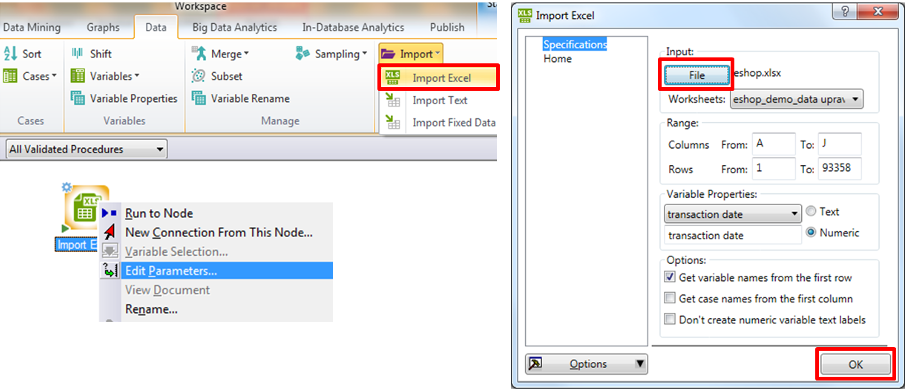
Desktop is fully compatible with xlsx (including xls), csv files and with fixed-width data (e.g. in text files). It will also allow you to:
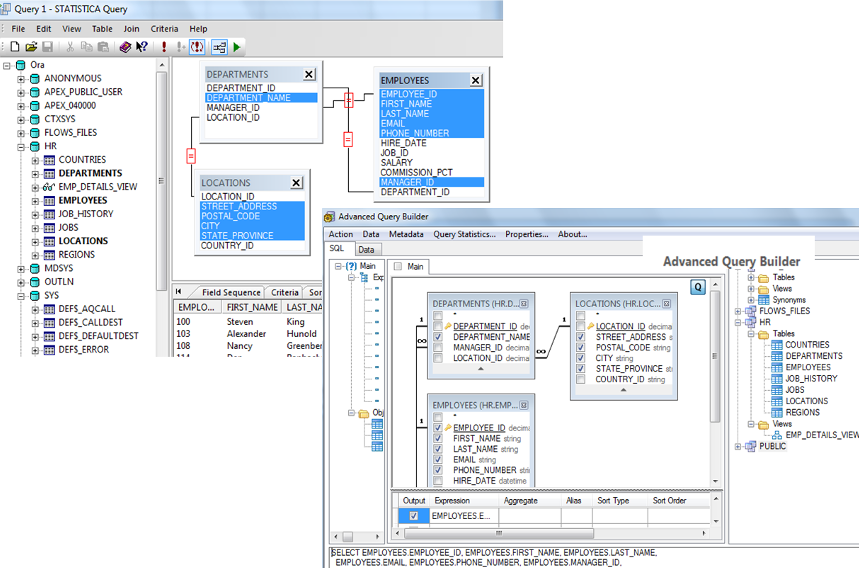
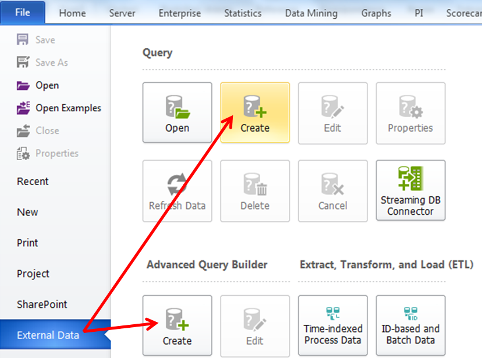
- retrieve data from SQL, NoSQL and other databases,
- import Spotfire SBDF data files,
- integrate two or more data sets into one graphical environment and a series of outputs.
Data preparation
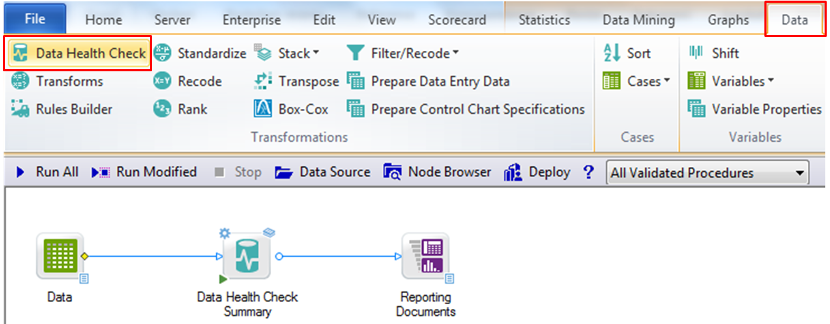
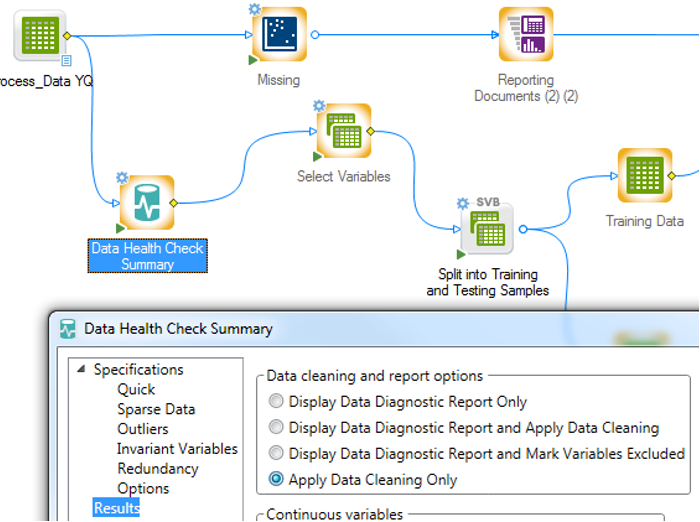
Desktop version offers automated data cleansing from duplicate, inconsistent and outlying values (or their transcoding) using the so-called Data Health Check (DHC) function.
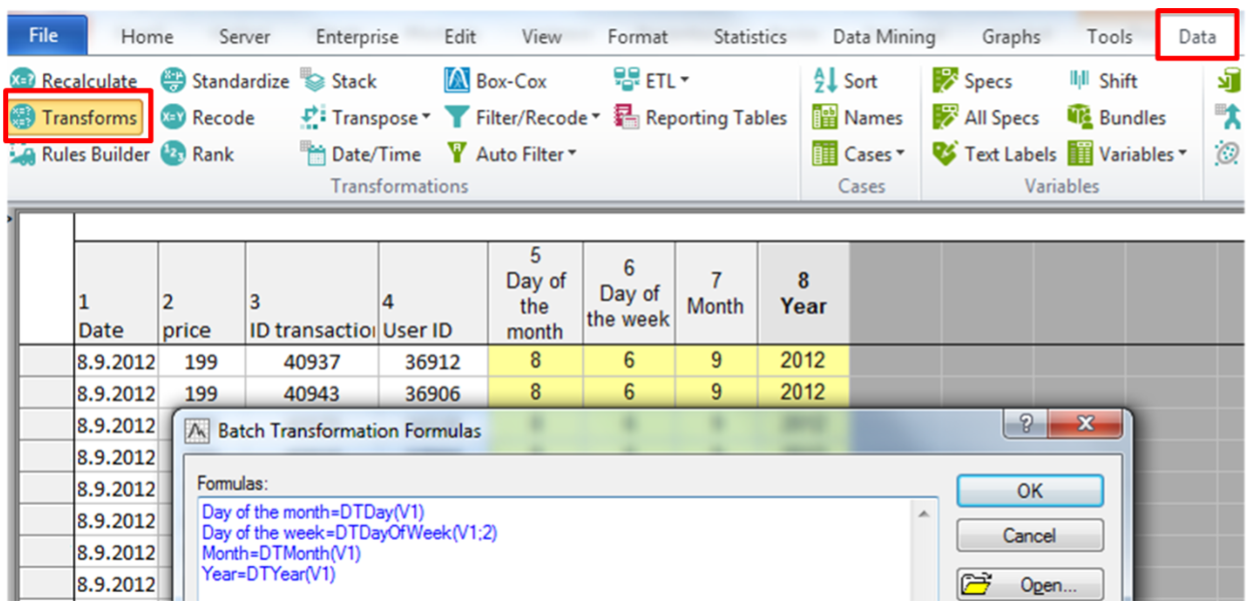
For easier processing, bring your data closer to a normal layout by using the built-in Box-Cox transformation.
Data evaluation
In the Desktop version you can evaluate the measured data, among others, with the help of:
- classical methods descriptive, parametric and non-parametric statistics,
- exploratory analysis and visualization,
- multivariate statistical methods for data organization and classification,
- advanced linear and non-linear models.
Other features
Statistica in this version also offers the possibility to program custom scripts in R, Python or C#. The desktop can also be used for e.g. for:
- understanding the key parameters affecting critical quality attributes (process analysis, quality control and multivariate statistical process control functions),
- design of experiments and their virtual execution (design of experiments function – Design of Experiments, test power analysis – Power Analysis and interval estimation – Interval Estimation).
Visualisation and outputs
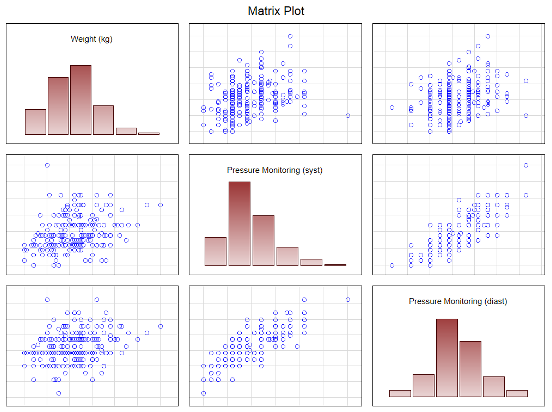
In Desktop version you can see the data layout and results, among others, through histogram, line, box, point, scatter and quantile plots and other frequently used 2D and 3D imaging methods.
The results obtained can export e.g. in the form of:
- simple and advanced reports,
- entry into different types of databases,
- MS Word (docx), MS Excel (xlsx) and text files (csv) or pdf.
Full overview of analytical functionsshow the list · 39
Try it on your own data
Statistica Desktop — 30 days free, no commitment
Full version. We can lend you a computer or install it on-site. Not sure which product is right for you? We'll advise.